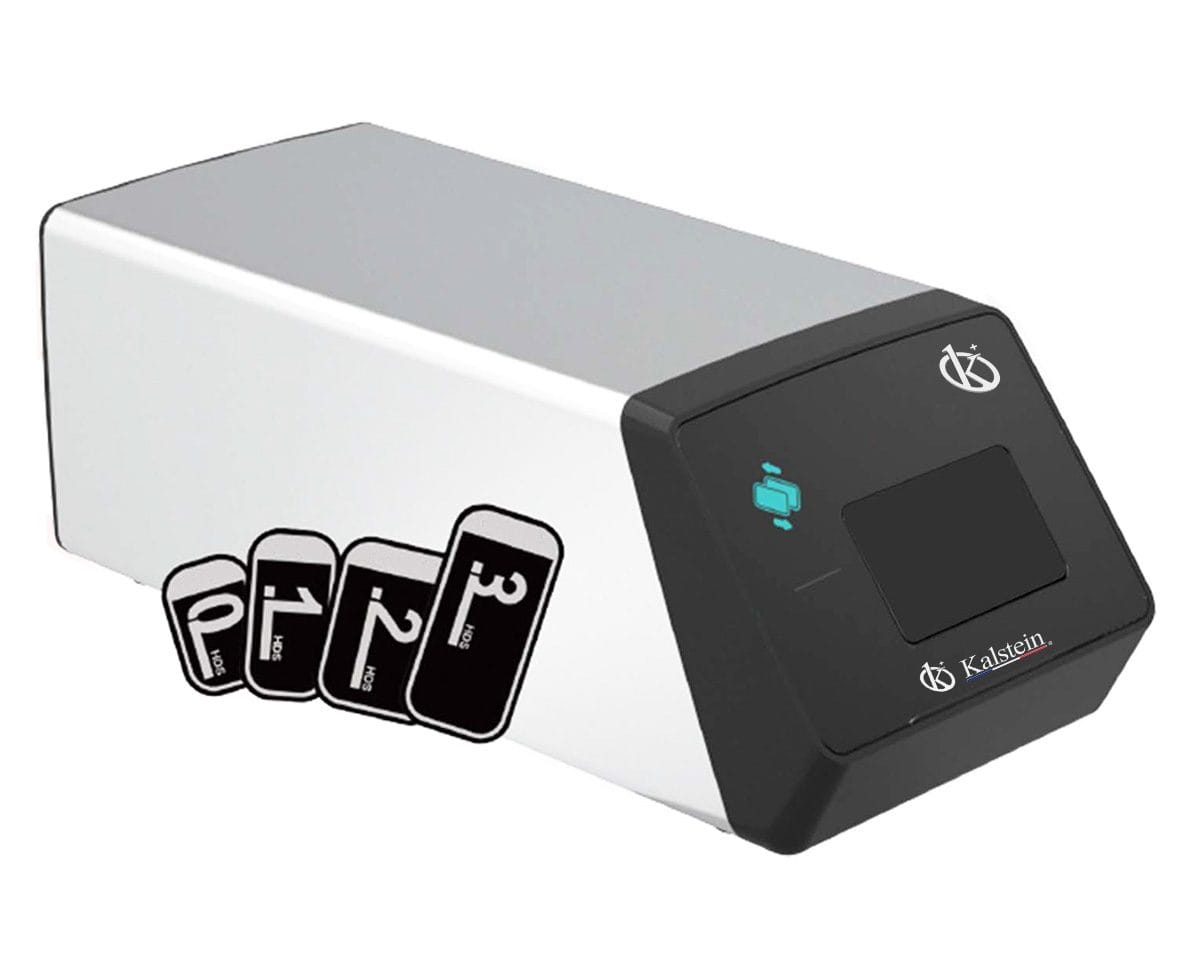
Common Errors and Troubleshooting for the YR06197 Digital Intraoral Veterinary X-Ray System
The YR06197 Digital Intraoral Veterinary X-Ray System is designed for efficient, mobile diagnostic imaging tailored for veterinary practices. With its compact design, versatile functionality, and rapid imaging capabilities, it is crucial to understand common operational errors and how to troubleshoot them effectively. This article serves as a comprehensive guide to assist operators in diagnosing issues that may arise during the use of the YR06197.
Technical Specifications of the YR06197
| Specification | Details |
|---|---|
| Model | YR06197 |
| Tube Voltage | 60KV |
| Exposure Time | 0.1~2s |
| Tube Focus | 0.3mm × 0.3mm |
| Battery | DC14.8V 6400mAh |
| Charger Input Voltage | AC100V-240V:10% |
| Ambient Temperature | 5-40℃ |
| Net Weight | 2.5kg |
| Package Size | 330 × 310 × 230 (mm) |
| Tube Current | 1.5mA |
| Frequency | 30KHz |
| Distance from Skin to Cone | 130mm |
| Rated Power | 60VA |
| Output Voltage | DC16.8V |
| Relative Humidity | <75% |
| Gross Weight | 4.8kg |
Troubleshooting by Symptoms
Understanding the symptoms associated with common operational errors is essential for effective troubleshooting. Below, we explore frequent issues encountered with the YR06197 and provide actionable solutions.
Equipment Does Not Power On
If the YR06197 does not power on, check the following potential causes:
- Ensure the device is fully charged or plugged in.
- Inspect the power cord for damage.
- Confirm that the battery is properly connected.
To fix this issue:
- Connect the device to a power source and allow it to charge fully.
- Replace any damaged cords or connectors.
- If the battery is not functioning, consider replacing it with a new one (DC14.8V 6400mAh).
Error Code E-03
Error code E-03 indicates a malfunction in the exposure process. Common causes include:
- Incorrect settings for exposure time or tube voltage.
- A fault in the tube or battery system.
Steps to resolve this error:
- Review and adjust the exposure settings.
- Check for any physical issues with the tube or battery, replacing components as necessary.
- Restart the device after making adjustments.
Inconsistent Readings
Inconsistent readings can lead to diagnostic errors. Possible reasons include:
- Improper positioning of the imaging plate.
- Environmental factors such as temperature and humidity.
To troubleshoot:
- Ensure the imaging plate is correctly positioned and aligned.
- Verify that the operating environment complies with the recommended temperature (5-40℃) and humidity (<75%).
Common Errors and Solutions Matrix
| Symptom | Potential Cause | Solution |
|---|---|---|
| Equipment does not power on | Battery issue, power cord failure | Charge the device, inspect and replace cords |
| Error code E-03 | Incorrect settings, tube malfunction | Adjust settings, check tube and battery |
| Inconsistent readings | Poor positioning, environmental factors | Reposition plate, verify environmental conditions |
Frequently Asked Questions
What are the common troubleshooting steps for the YR06197 Digital Intraoral Veterinary X-Ray System?
Common troubleshooting steps include checking power sources, ensuring correct settings for exposure, inspecting the imaging plate positioning, and verifying compliance with ambient temperature and humidity conditions.
How do I interpret error codes on the YR06197?
Error codes can indicate specific issues. For example, E-03 signifies an exposure malfunction, and it is critical to refer to the user manual for detailed explanations of each error code and potential solutions.
What maintenance is recommended for the YR06197?
Regular maintenance includes checking battery performance, inspecting power cords for wear, and ensuring that environmental conditions are stable to prolong the life of the system.
Are there any specific environmental requirements for the YR06197?
The YR06197 should be operated within an ambient temperature of 5-40℃ and relative humidity below 75% to ensure optimal functionality and prevent malfunctions.
How can I extend the lifespan of the YR06197 system?
To extend the lifespan, ensure regular maintenance, use the correct exposure settings, and store the device in a suitable environment when not in use.
What should I do if the imaging results are unclear?
If imaging results are unclear, check for proper settings, confirm the alignment of the imaging plate, and ensure the device is functioning correctly according to the manufacturer’s guidelines.
For any specific inquiries or to request a quote for the YR06197 Digital Intraoral Veterinary X-Ray System, please reach out to us.
If you are looking for a fusion of innovation and quality, you have come to the right place. At Kalstein, we offer you the luxury of exploring our exclusive catalog of laboratory equipment. We manufacture every device to the highest standards of excellence. Our intuitive and seamless online purchasing channels are designed for your convenience, securing the most competitive prices. Hesitate no longer — we bring science to life, it is time to become part of our community.